Space
A delayed reveal
Introduce a screen that allows the object to appear gradually along the route.
Exhibition space, models and encounters
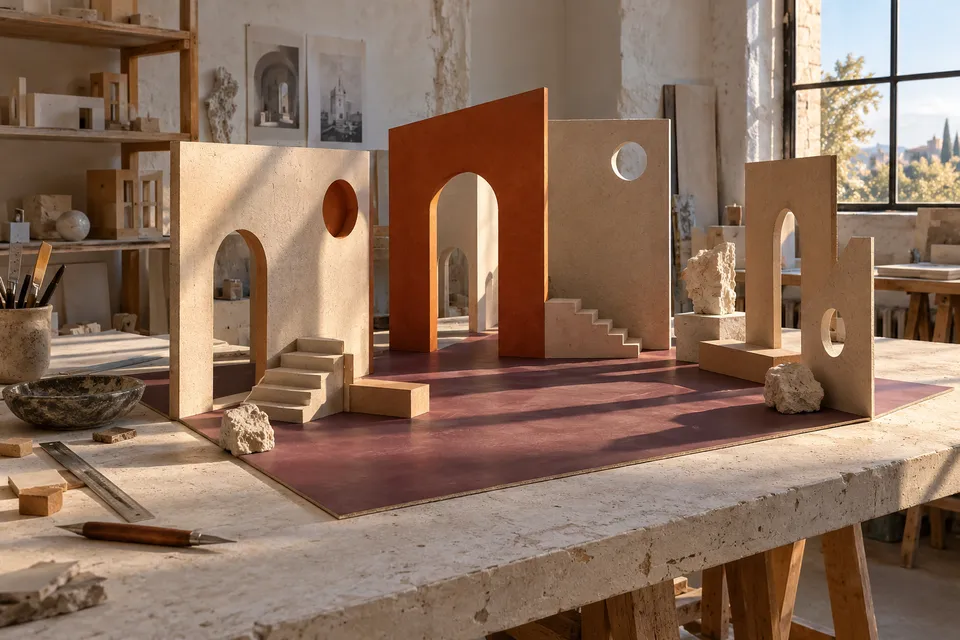
Mirekudona examines how objects, gaps and viewpoints choreograph a room. Use quick maquettes to test the experience before committing to an arrangement.
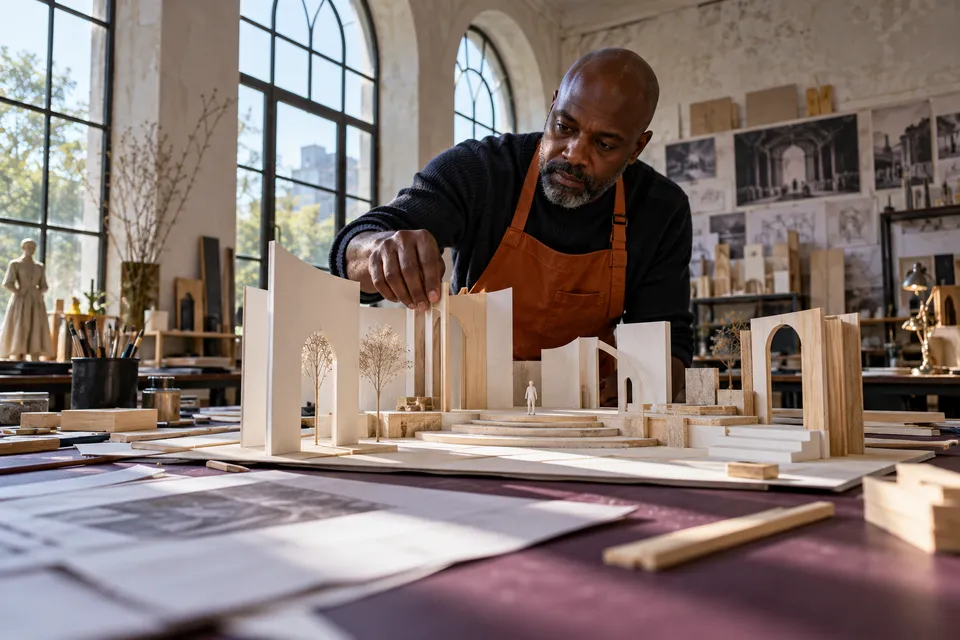
Introduce a screen that allows the object to appear gradually along the route.
Increase the gap around one piece and observe whether the pause becomes legible.
Move a neutral plane behind the object and compare the resulting silhouette.
Draw a short route through the model and photograph its first, middle and final views. Compare whether each position reveals something distinct.
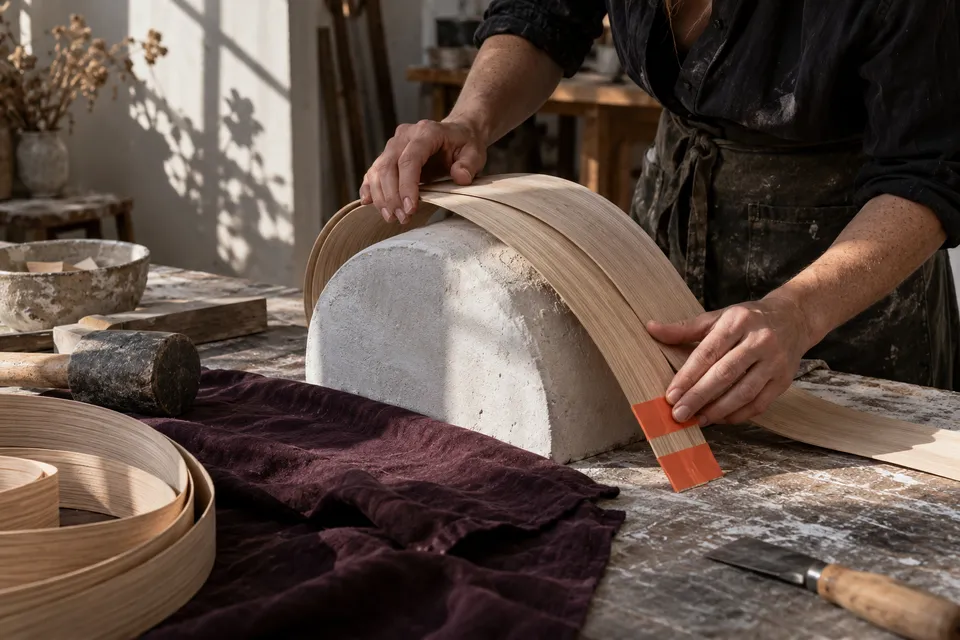
Use the same parts to construct an open, compressed and partially screened arrangement. Keep the scale marker in place during every comparison.
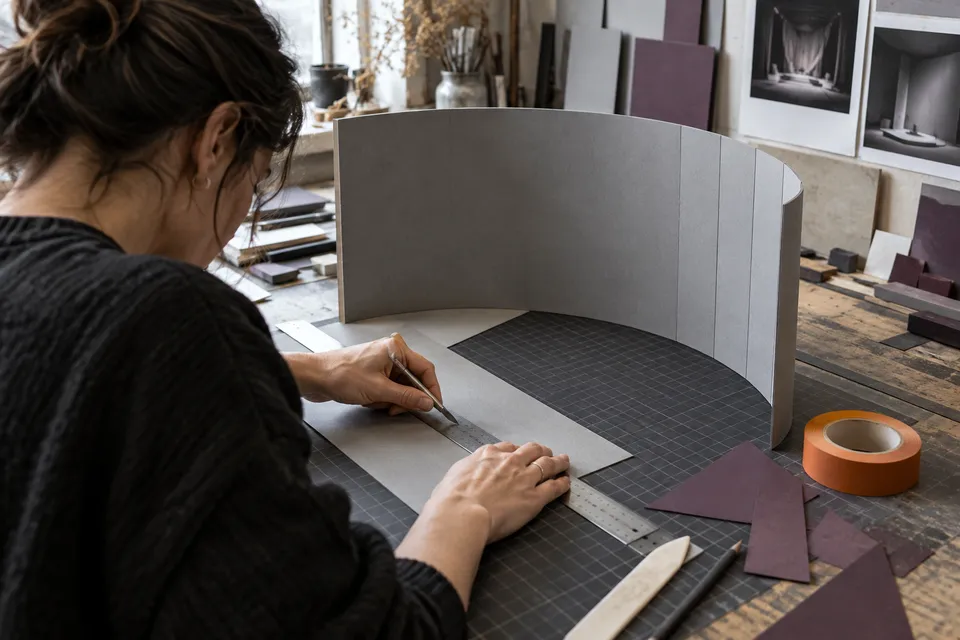
Place a viewing marker at several distances from the object. Adjust the surrounding planes until the stopping point supports the intended view.
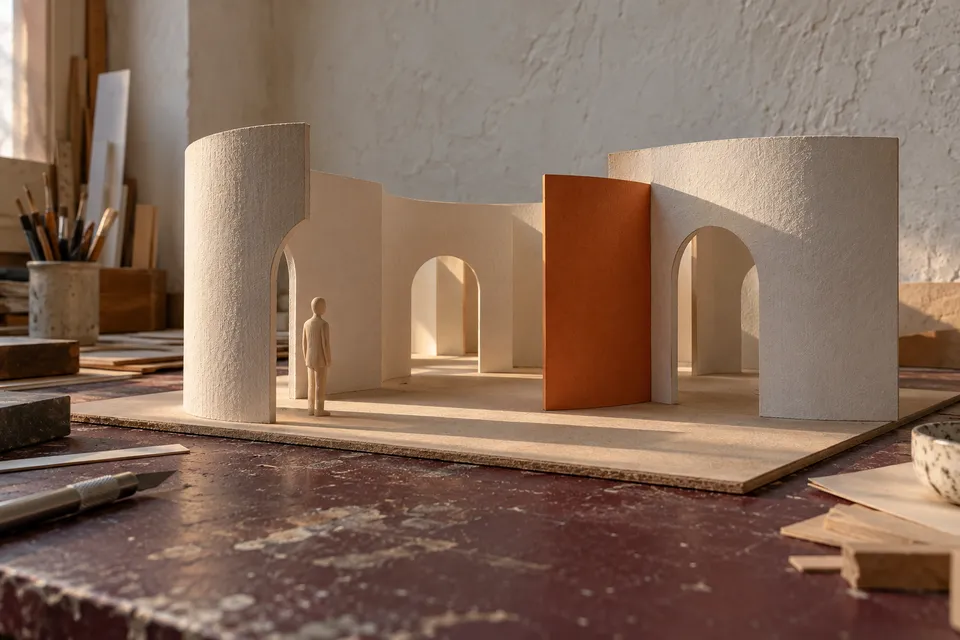
02 / Material as a spatial choice
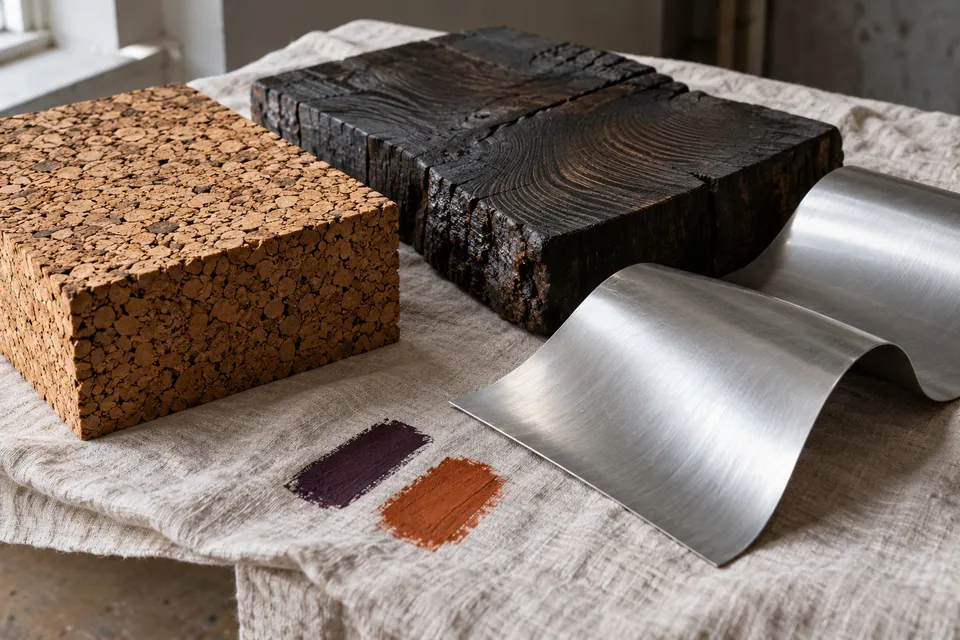
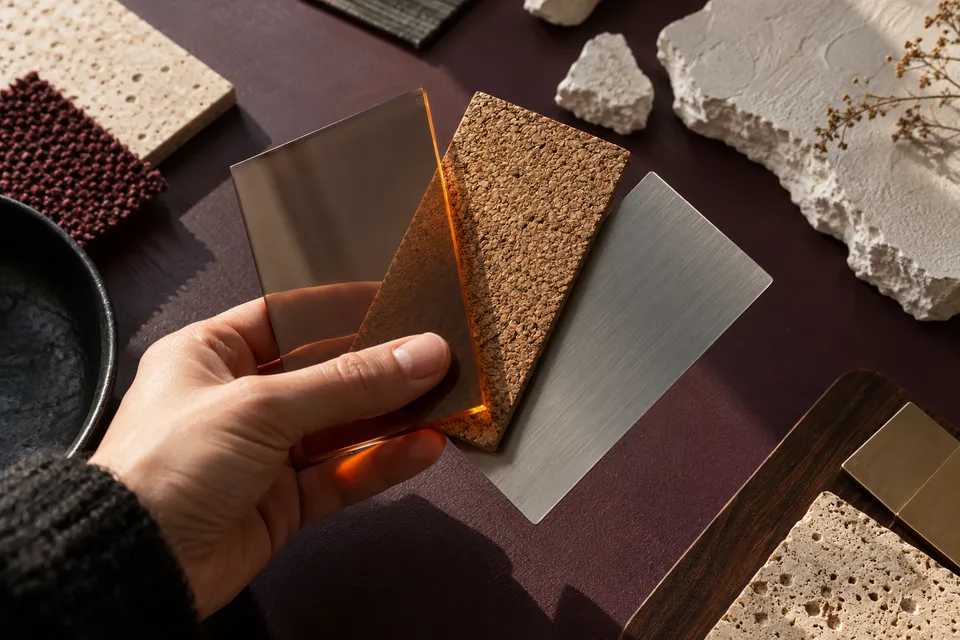
A reflective plane, an absorbent backdrop and a translucent screen each frame an encounter differently. Give the material a job that can be recognised in the model.
03 / The model loop
Limit the area under investigation, produce contrasting proposals and compare them from the same eye level. Record the deciding observation before starting another version.
Introduce a screen that allows the object to appear gradually along the route.
Increase the gap around one piece and observe whether the pause becomes legible.
Move a neutral plane behind the object and compare the resulting silhouette.
Approach the model from the opposite side and identify which relationships stop working.
04 / A spatial case study
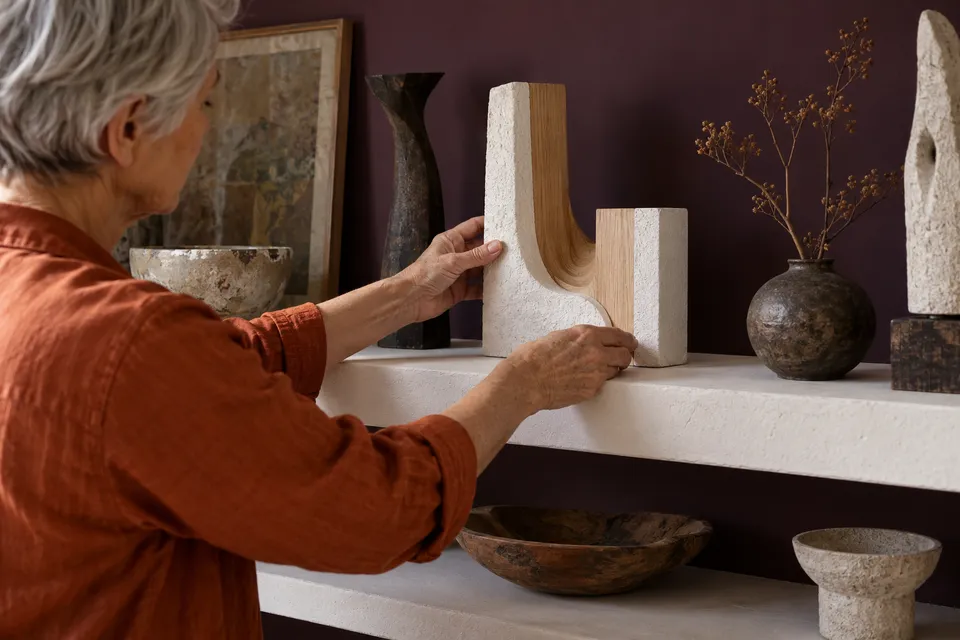
A scene that works from across the room may lose clarity at close range. Inspect the arrival, the stopping point and the view immediately beyond the object.
05 / Reference actions
Filter the cards to focus on a room, an object or a staged view. Each offers a practical change you can make to a modest model.
4 prompts available
Introduce a screen that allows the object to appear gradually along the route.
Increase the gap around one piece and observe whether the pause becomes legible.
Move a neutral plane behind the object and compare the resulting silhouette.
Approach the model from the opposite side and identify which relationships stop working.
06 / Atelier check
Use the checklist to keep the imagined visitor present. Marks are retained locally in your browser and can be cleared for a new arrangement.
0 / 6 complete
07 / Process evidence
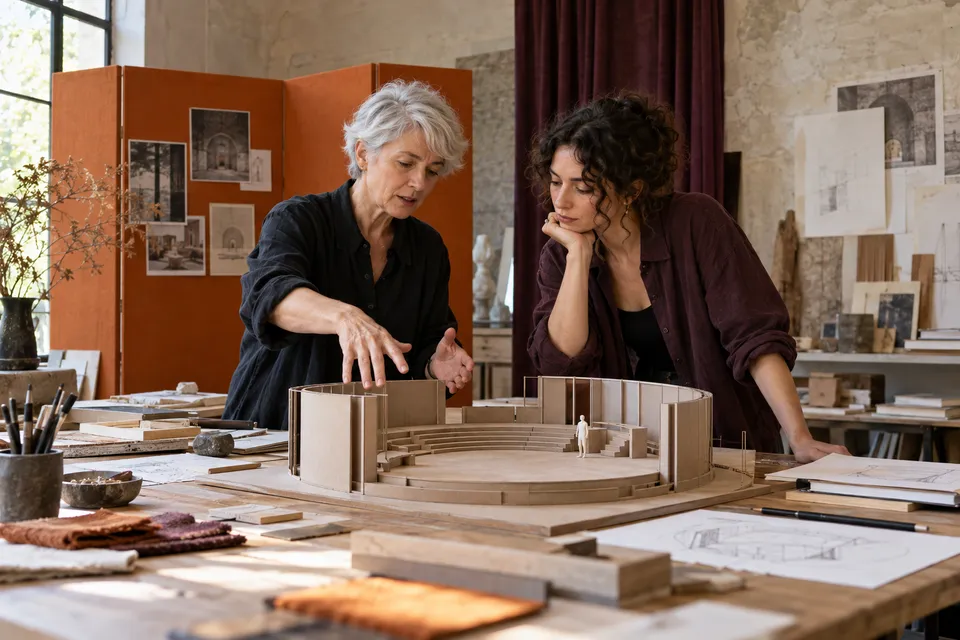
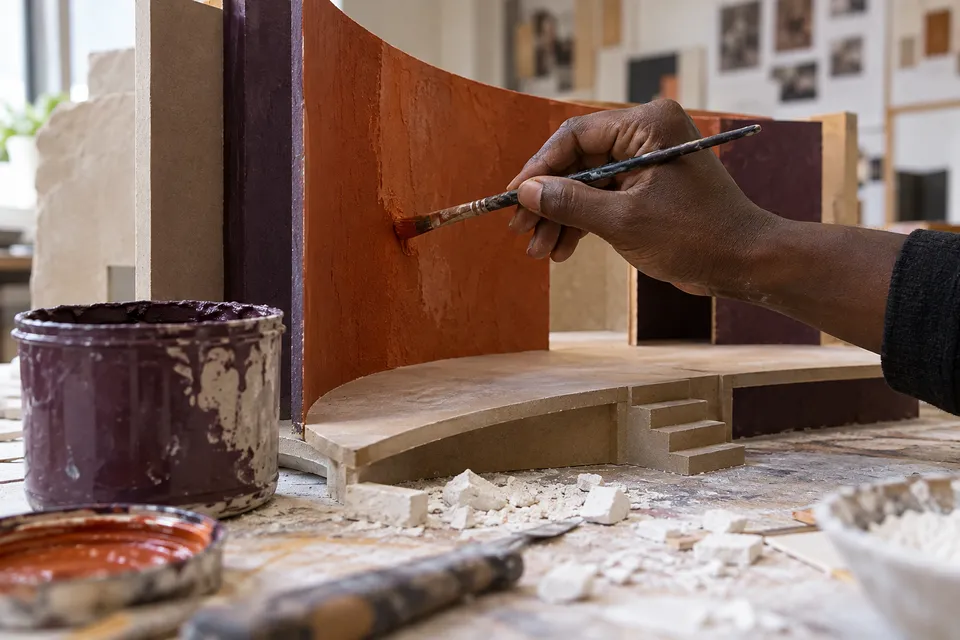
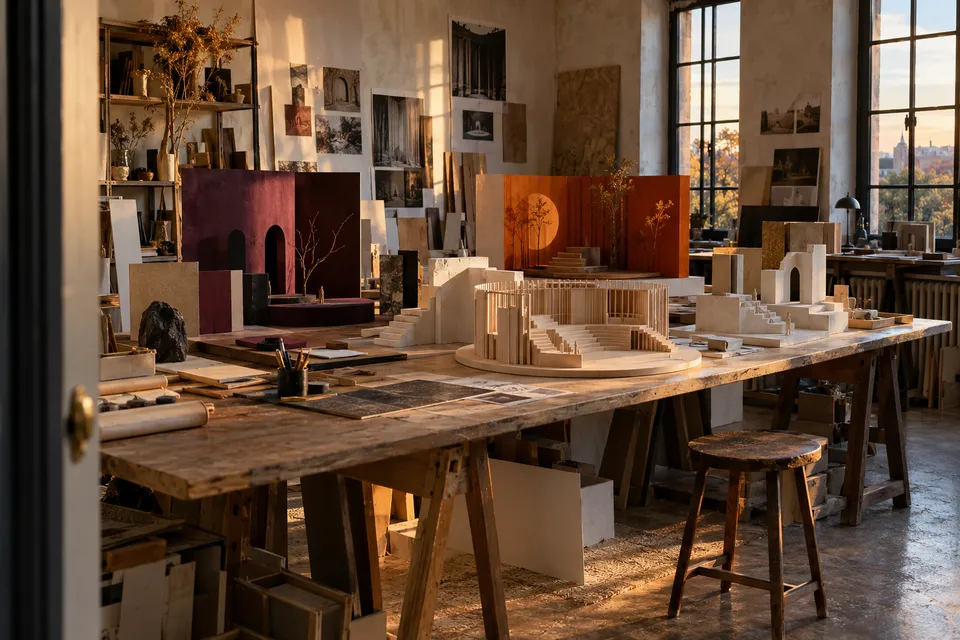
Collect an overall view, a visitor-height image and several construction details. Together they reveal how the scene was made and how it might be experienced.
08 / Questions in progress
A maquette is a tool for thinking through a possible encounter. Use these notes to decide which uncertainty should be tested next.